
Image Cropper & Resizer 2026
The most precise online tool for cropping images to International Standards. Optimize photos for US Passport, UK Visa, Pinterest, Instagram, and more without losing quality.
Ready to start!
Upload an image to crop for global platforms.
Supported Image Sizes & Examples
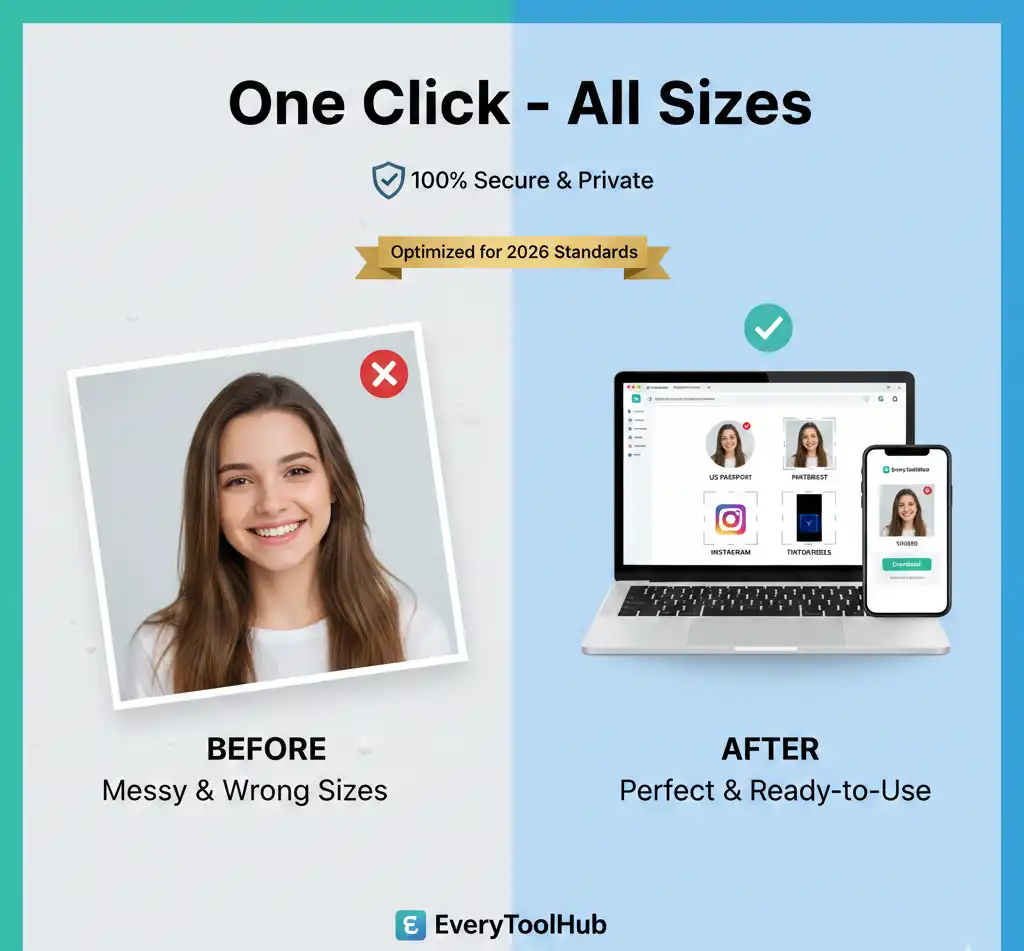
Visualizing the power of precision: From messy original photos to perfect global standards in one click.
Global Standards & Frequently Asked Questions
What is the official size for a US Passport photo?
The US Department of State requires a photo size of 2×2 inches (51 x 51 mm) with a 1:1 aspect ratio. Our Image Cropper & Resizer 2026 includes a built-in US Passport preset. For more details, visit the U.S. State Department Official Website.
How do I crop a photo for a UK Passport or Visa?
For a UK Passport, the standard size is 35mm wide by 45mm high. You can align your photo with the UK government’s 2026 standards using our tool. Check the full UK Government Photo Guidelines here.
Which aspect ratio is best for Pinterest Pins in 2026?
To maximize engagement, Pinterest recommends a 2:3 aspect ratio (1000 x 1500 pixels). Our tool provides a dedicated Pinterest preset for viral results.
Is this 2026 Image Cropper safe for private documents?
Yes. Our Image Cropper & Resizer 2026 processes images locally in your browser. Photos are never uploaded to our servers, making it fully GDPR compliant.
Should I use WebP, PNG, or JPG for my images?
For SEO, WebP is best. For social media compatibility, JPG is recommended. Switch formats instantly before downloading.